Moving to hashnode from my custom Gatsby blog
I'm moving my blog to hashnode. I had it on a Gatsby site that I hosted using GitHub pages. Even had a sweet automated workflow 🤖 set up where I could just push new content and it would go live automatically 🪄.
Gatsby is great! It gives you a lot of features and creative freedom. The thing is though - I didn't use barely any of it. I just want a place to dump my thoughts, and hashnode seems a great place to do that. Hopefully it'll help a bit with reach as well.
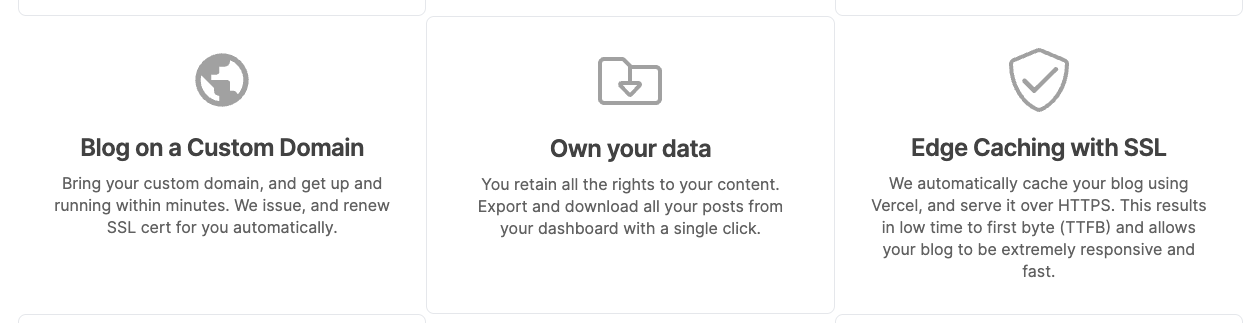
Here are three great features of hashnode that they highlight on their front page
Writing this post I can add another thing that's really nice, and that's their online editor! Even let me just copy-paste any image and it's automatically uploaded to their CDN and linked in my post 🏞
What I would like to see though, is better docs on how to migrate your existing blog to hashnode. If the docs are there, I couldn't find them. And while they have a pretty prominent link to instructions for linking your own domain to hashnode there was really no mention of what to expect once it was linked. All I got was this:
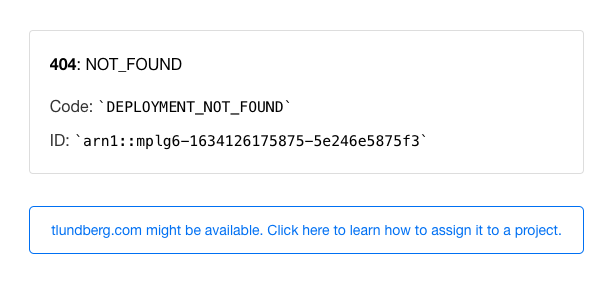
That doesn't look very nice. Some hints on what to do to prepare for linking would have been nice. Like "move your content over to us first, link your domain after", if that's indeed the case. TBD.
Update: A bit later I got this, which obviously isn't perfect, but at least it's 100x better!

I've also found an import tool
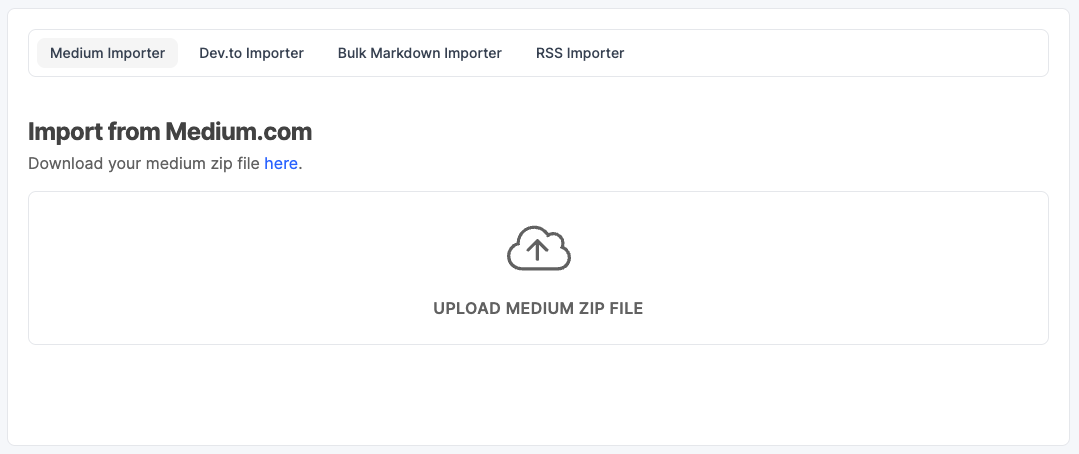
I already have my posts as .md markdown files, so hopefully the Bulk Markdown importer should be helpful (it takes a .zip-file with a single .md-file for each post). Wish me luck 🤞!
Cover photo by Robinson Greig on Unsplash